In today’s digital-first world, video content dominates communication, marketing, education, and entertainment. Whether you’re a student creating tutorials, a business professional sharing product demos, or a content creator publishing videos online, you’ve likely come across two essential tools: screen recorders and video editors.
While these tools are often mentioned together, they serve very different purposes. Understanding their roles can help you choose the right solution for your needs and create better-quality content.
Let’s explore the differences in detail.
What Is a Screen Recorder?
A screen recorder is a software application that captures everything happening on your computer screen in real time. It records visuals, mouse movements, clicks, system audio, microphone input, and sometimes webcam footage.
Popular examples include:
- OBS Studio
- Loom
- Zight
Key Functions of a Screen Recorder
- Capture full screen, selected window, or specific area
- Record microphone and system sound
- Include webcam overlay
- Basic trimming or annotations (in some tools)
- Instant sharing via link (cloud-based tools)
Common Uses
- Software tutorials
- Online teaching and lectures
- Product demos
- Gameplay recording
- Bug reporting
- Internal team communication
In simple terms, a screen recorder is about capturing what is happening right now.
What Is a Video Editor?
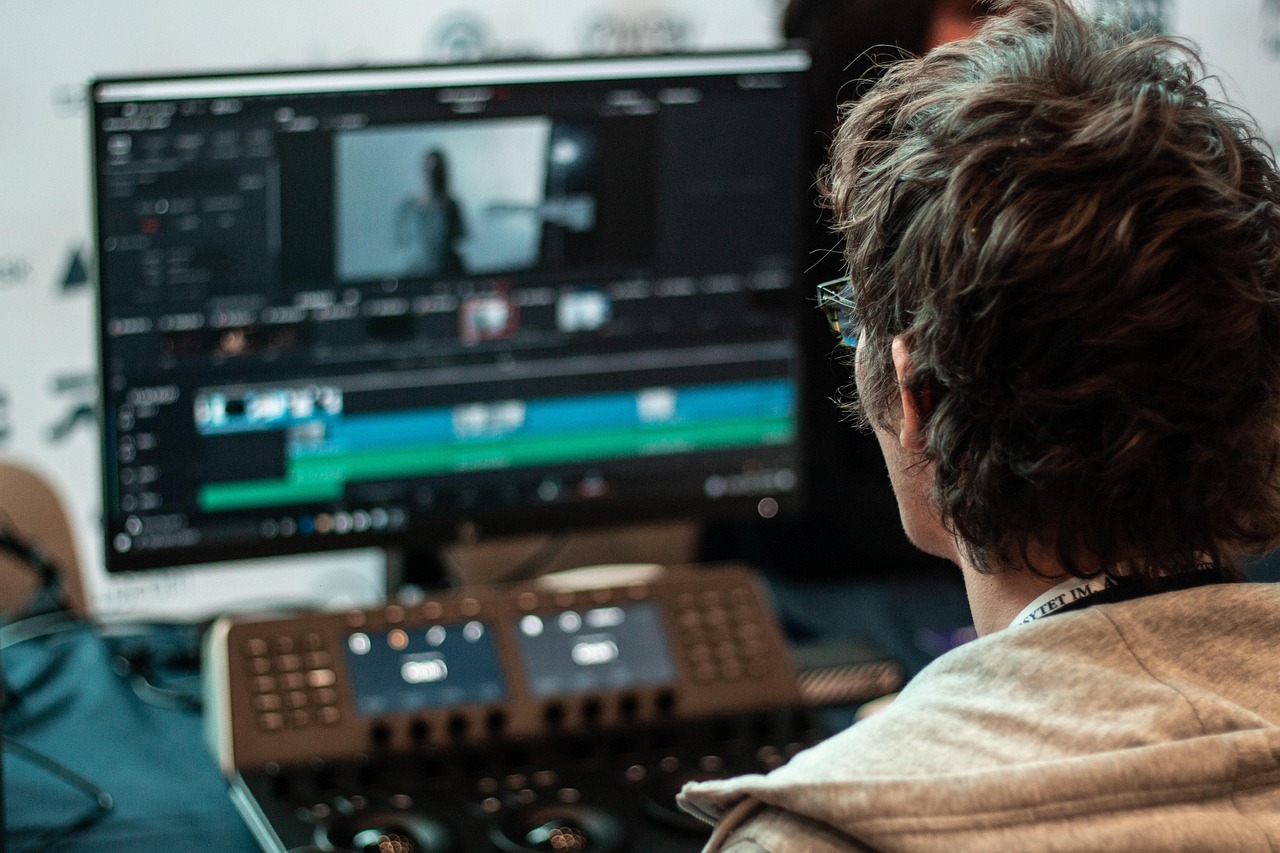
A video editor is software designed to modify, enhance, and polish recorded video content. It allows you to cut, rearrange, add effects, insert text, adjust audio, and improve overall video quality.
Some well-known video editors include:
- Adobe Premiere Pro
- Final Cut Pro
- DaVinci Resolve
- Camtasia
Key Functions of a Video Editor
- Cut and trim video clips
- Add transitions and visual effects
- Insert titles and subtitles
- Adjust brightness, contrast, and color
- Remove background noise
- Add music and sound effects
- Combine multiple video clips
A video editor focuses on improving and refining recorded footage.
Core Difference: Capture vs Enhancement
The fundamental difference between a screen recorder and a video editor lies in their primary purpose:
- Screen Recorder = Captures content
- Video Editor = Enhances and modifies content
Think of a screen recorder as a camera that captures raw material, while a video editor is the creative studio where you polish that material into a professional final product.
Feature Comparison
1. Purpose
- Screen Recorder: Records live on-screen activity
- Video Editor: Edits pre-recorded footage
2. Workflow Position
- Screen Recorder: First step in content creation
- Video Editor: Second step (post-production phase)
3. Editing Capabilities
- Screen Recorder: Basic trimming and simple annotations
- Video Editor: Advanced editing, transitions, animations, color grading
4. Learning Curve
- Screen Recorder: Usually beginner-friendly
- Video Editor: Can range from simple to highly complex
5. Performance Requirements
- Screen Recorder: Requires stable system performance during recording
- Video Editor: Requires higher processing power for rendering and exporting
When Should You Use a Screen Recorder?
A screen recorder is ideal when:
- You need to explain a process visually
- You want to record online meetings
- You are creating quick tutorial videos
- You want instant sharing capabilities
- You are documenting software issues
For example, educators conducting online classes often use tools like Loom for quick lesson recordings or OBS Studio for live streaming sessions.
If your goal is speed and simplicity, a screen recorder is usually enough.
When Should You Use a Video Editor?
A video editor becomes essential when:
- You want professional-quality output
- You need cinematic effects
- You are creating YouTube or marketing videos
- You need subtitles and advanced audio mixing
- You want to combine multiple recordings
Content creators often record footage using screen recording software and then refine it using tools like Adobe Premiere Pro or DaVinci Resolve.
If presentation quality matters, editing is crucial.
Can One Tool Do Both?
Yes, some software combines screen recording and video editing features.
For example, Camtasia offers built-in screen recording along with editing capabilities. This makes it ideal for educators and business professionals who want an all-in-one solution.
However, all-in-one tools may not provide the advanced features available in dedicated professional editors.
Screen Recorder vs Video Editor for Different Users
For Students
A basic screen recorder is often enough for recording presentations and assignments. Editing may only require simple trimming.
For Teachers
A combination of both tools works best. Record lectures, then edit to remove pauses or add slides.
For Businesses
Screen recorders are great for internal training and customer support. For promotional videos, a video editor is necessary.
For YouTubers & Content Creators
Both tools are essential. Record first, then edit for engagement, branding, and quality enhancement.
Advantages and Limitations
Screen Recorder Advantages
- Easy to use
- Quick setup
- Real-time capture
- Instant sharing options
Screen Recorder Limitations
- Limited editing features
- Raw footage may contain mistakes
- Large file sizes
Video Editor Advantages
- Professional output
- Creative control
- Advanced audio and visual tools
Video Editor Limitations
- Steeper learning curve
- Longer production time
- Requires stronger hardware
Which One Should You Choose?
The answer depends on your purpose.
If your goal is simply to capture your screen for instructional or documentation purposes, a screen recorder is enough.
If your goal is to produce polished, engaging, and professional videos, a video editor is essential.
In most modern workflows, both tools complement each other rather than compete.
Final Thoughts
Screen recorders and video editors are not rivals, they are partners in the video creation process.
A screen recorder captures your ideas in real time. A video editor transforms those ideas into compelling visual stories.
Whether you are an educator, business professional, student, or content creator, understanding the difference between these tools allows you to work smarter and produce higher-quality videos.
In a world where video communication continues to grow, mastering both screen recording and video editing can give you a strong digital advantage.